Microsoft Store for Business in DCA

Microsoft Store is a digital distribution platform available in Windows 10. This feature is available for all DCA employees and can be accessed by first locating the Microsoft Store application on the Start menu.

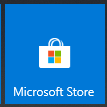
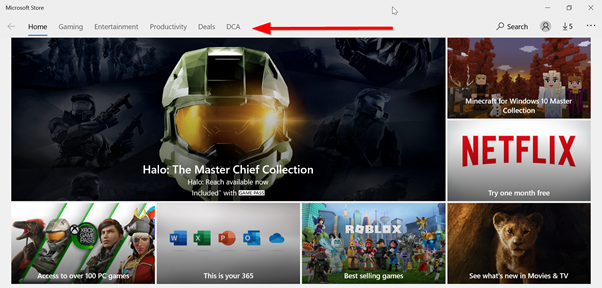
When you first launch the application it will look something like this:
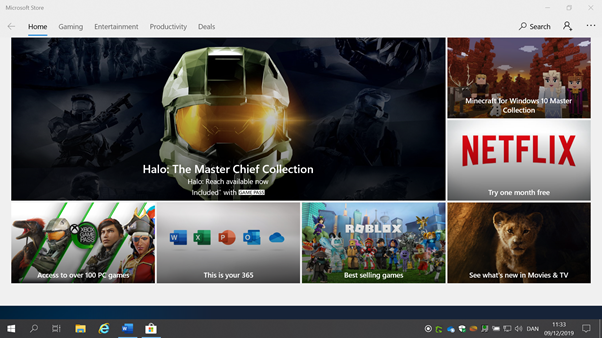
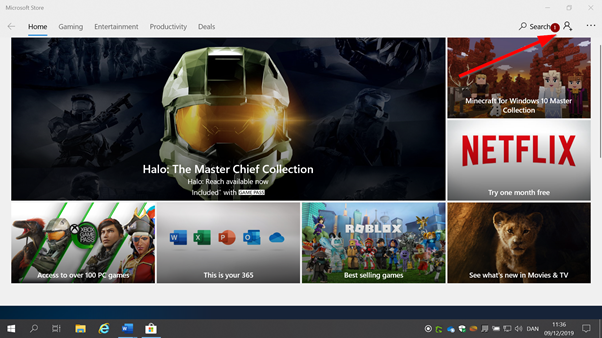
Now you need to login to access the DCA specific store, do this by clicking on the symbol in the upper right-hand corner:
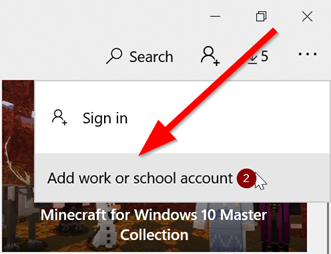
Continue by clicking 'Add work or school account'.
Enter your DCA e-mail address to continue.
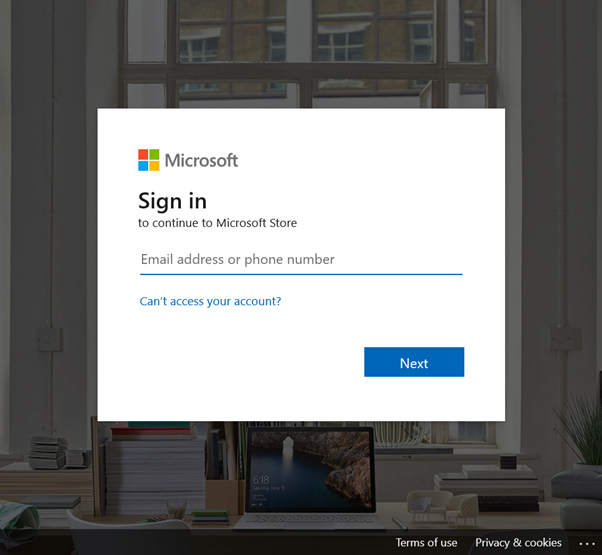
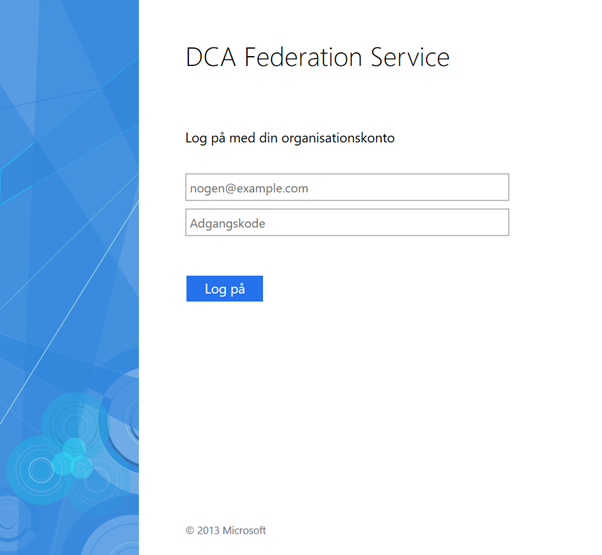
And enter your password when asked:
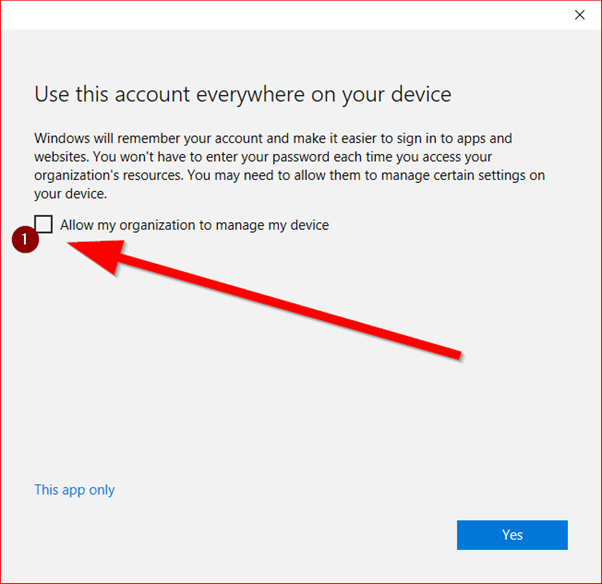
Allow organisational management of device. This simplifies future sign-in procedures.
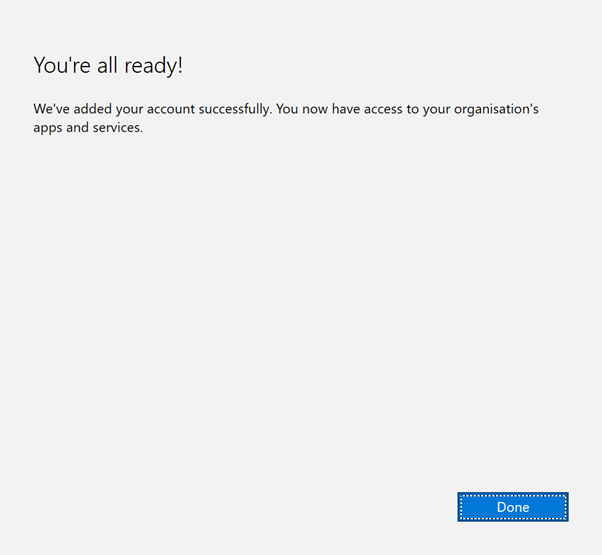
Now you have access to the DCA specific store.
Please note that some applications may require a separately paid license. If you require such an application or any other unavailable application, please contact the ICT unit by posting a ticket using this site (icthelp.dca.dk) or send an e-mail to icthelp@dca.dk
Comments
Please sign in to leave a comment.