Changing Phones for a Current MFA User

MFA Admin Procedure - Changing Phones for a Current MFA User
v1.0 // 20.01.2020
When this procedure is necessary
When a colleague stops using a DCA phone, MFA functionality can be disrupted, most typically via the Microsoft Authenticator app no longer verifying the identity of the account holder. Although secondary verification methods and other workarounds exist, the most permanent solution is to delete the old phone from the account and add the account to the new phone’s Authenticator app. This document describes those two processes.
Delete the old phone from the account
- The user who’s phone is in question, will want to open a browser (preferably on his/her laptop).
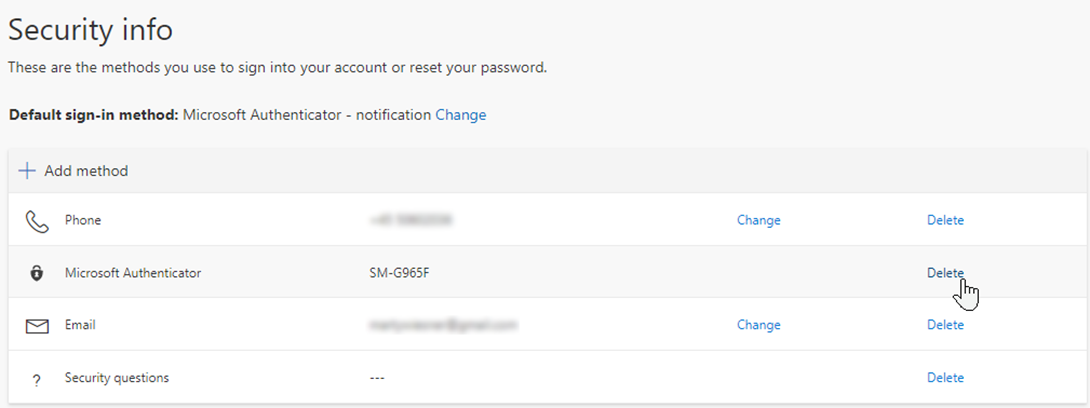
- In the browser, navigate to https://aka.ms/mysecurityinfo
- If necessary, click on the Security Info section
- Click the Delete link to the right of the Microsoft Authenticator entry:
Add the account to the new phone’s Authenticator app
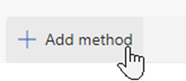
- Click +Add Method.
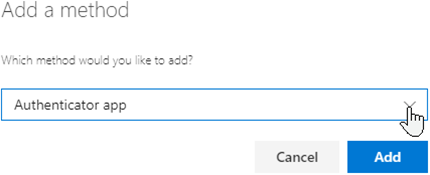
- Select the Authenticator App method and click the Add button.
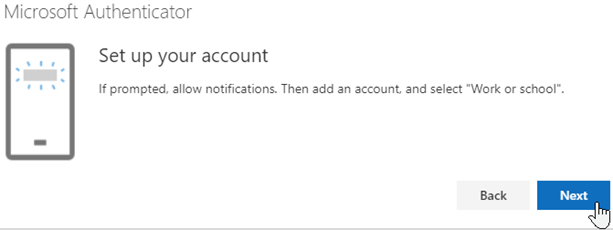
- Click Next until you reach this dialog.
- On the new phone, install the Microsoft Authenticator.
- In the app, choose Next and then add an account, and select Work or school.
- If the phone prompts for the app to be granted permission to use the camera, allow it. Then, scan the QR code off the laptop. It will look like this:
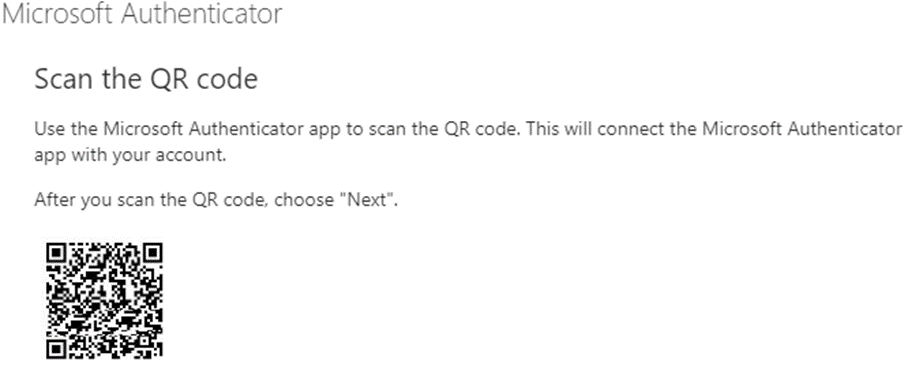
- Click the Next button on the laptop.

- The process is complete. If the laptop or phone prompt you to test, do so. You can also test by visiting Outlook Webmail from a freshly opened browser. The URL is https://outlook.office365.com/owa/.
Note:
If you encounter a more complicated scenario (like not being able to authenticate to the Security Info site in the first place, please see the document, 05 - Administering and troubleshooting MFA from HQ to troubleshoot. This may Require selected users to provide contact methods again, as described in section 2.e.i.
Comments
Please sign in to leave a comment.